Printers
At least two printer types are supported: Serial Impact Printer with IO addresses 5, 6, 7 and Dot Matrix Printer with IO address 8.
Printer status
For the printer to be used by the ROS, it apparently has to be ‘selected’. I am not sure how it is selected practially, but the status of a selected printer is bit 0. The ‘Q1 ASM IO address’ manual only states this explicitly for the Dot Matrix Printer but it seems to be valid for the Serial Impact Printer too.
I originally thought that status 0x00 meant printer is ready, no errors. So the emulator returned this value for both printers.
But running the program FMOMS I got the following error message:
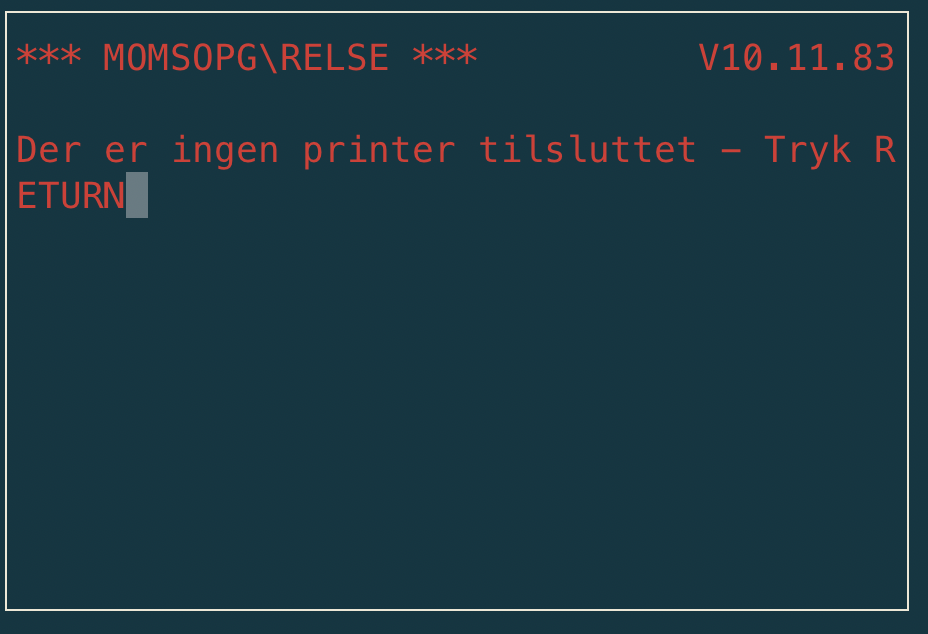
Output from FMOMS program
which lead me to further progress on the printer interface.
Bit |
Serial Impact Printer (0x5) |
Dot Matrix Printer (0x8) |
|---|---|---|
7 |
busy |
busy |
6 |
error |
fault |
5 |
out of ribbon |
paper out |
4 |
0 |
|
3 |
0 |
|
2 |
0 |
|
1 |
0 |
|
0 |
Printer Selected (inferred) |
Printer Selected |